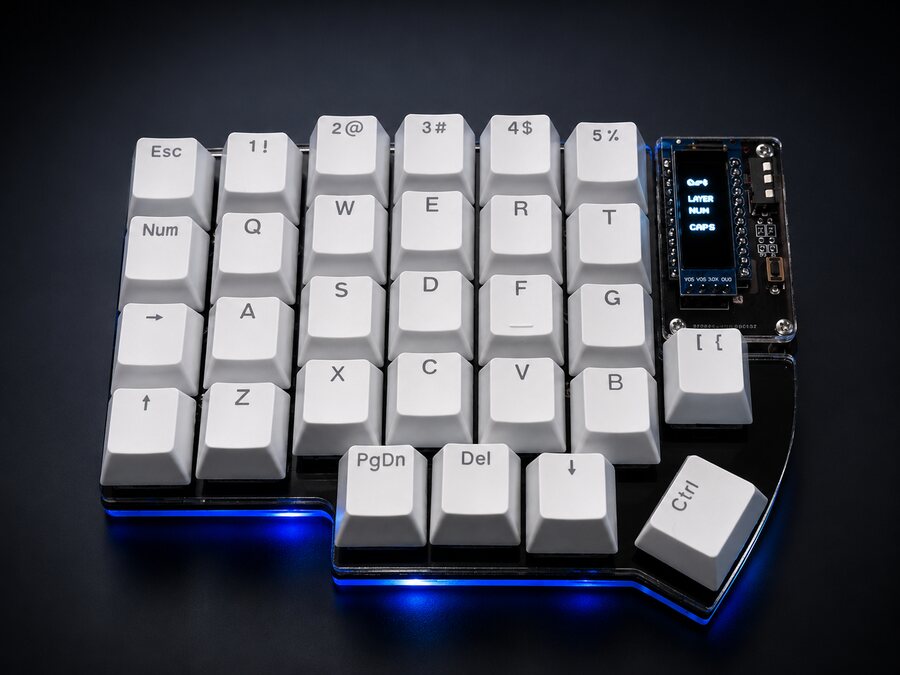
- Split
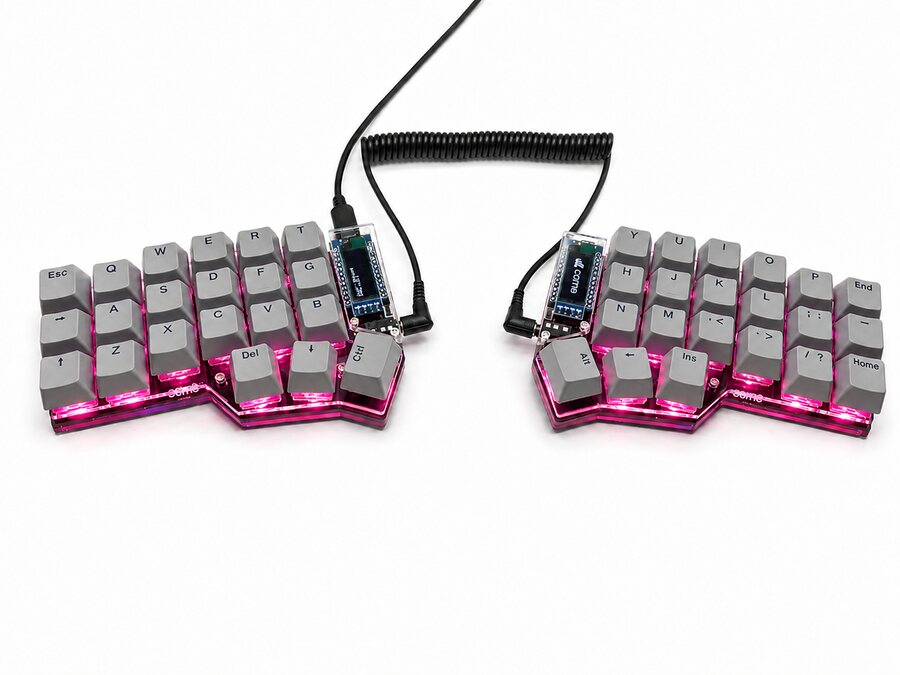
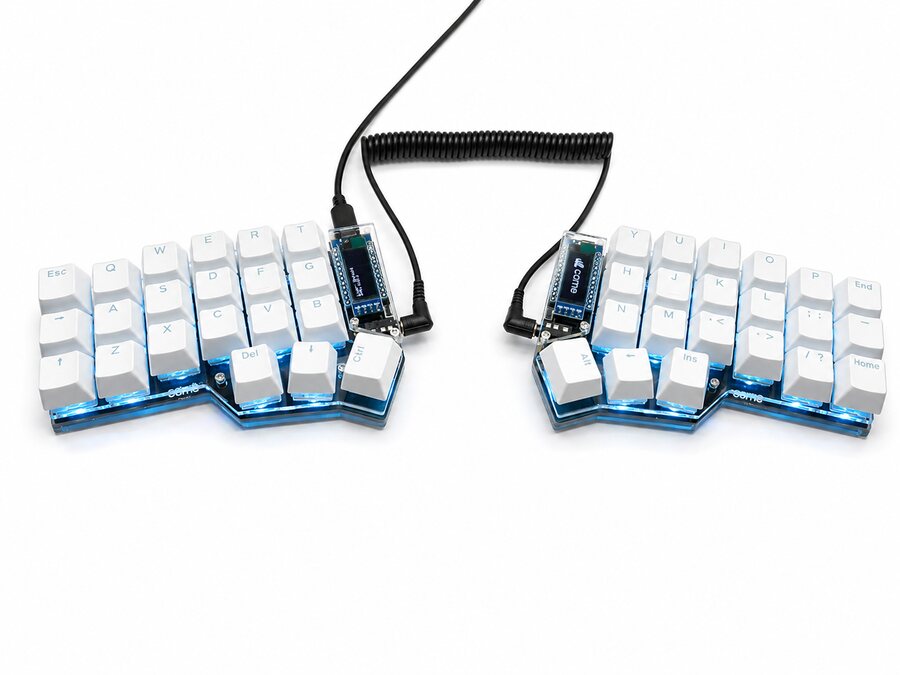
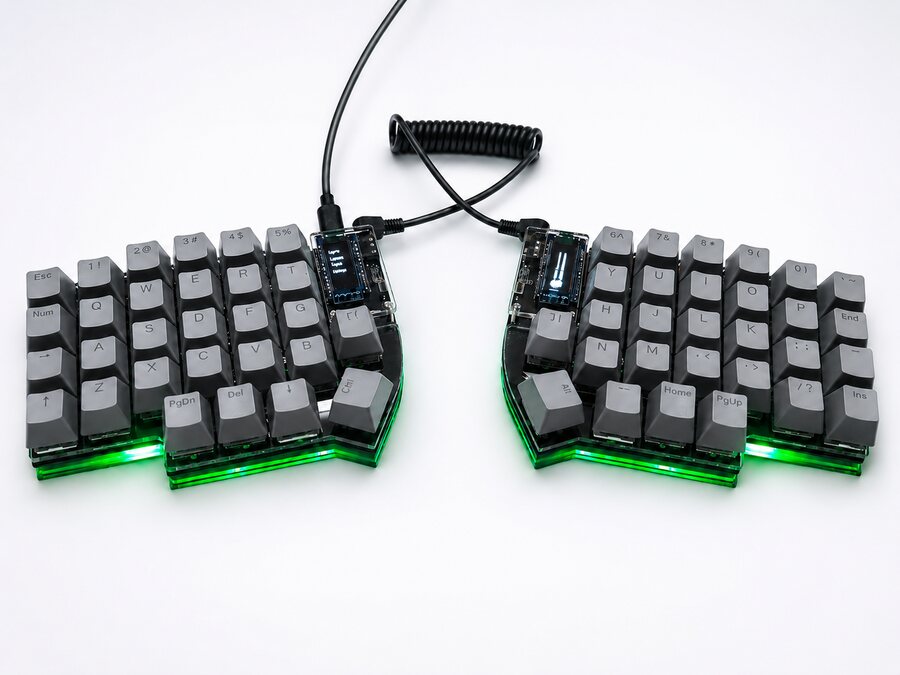
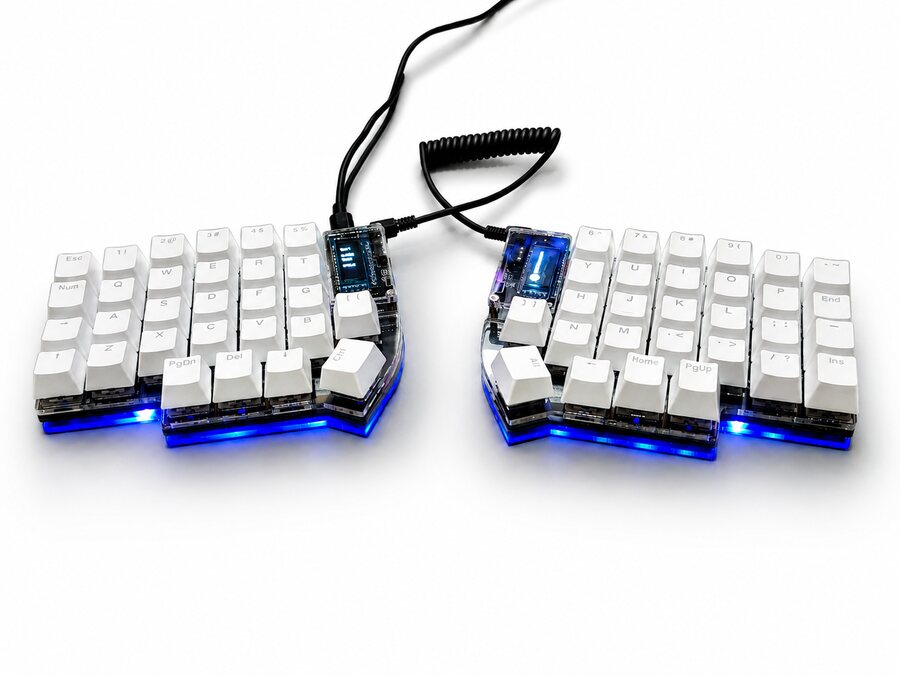
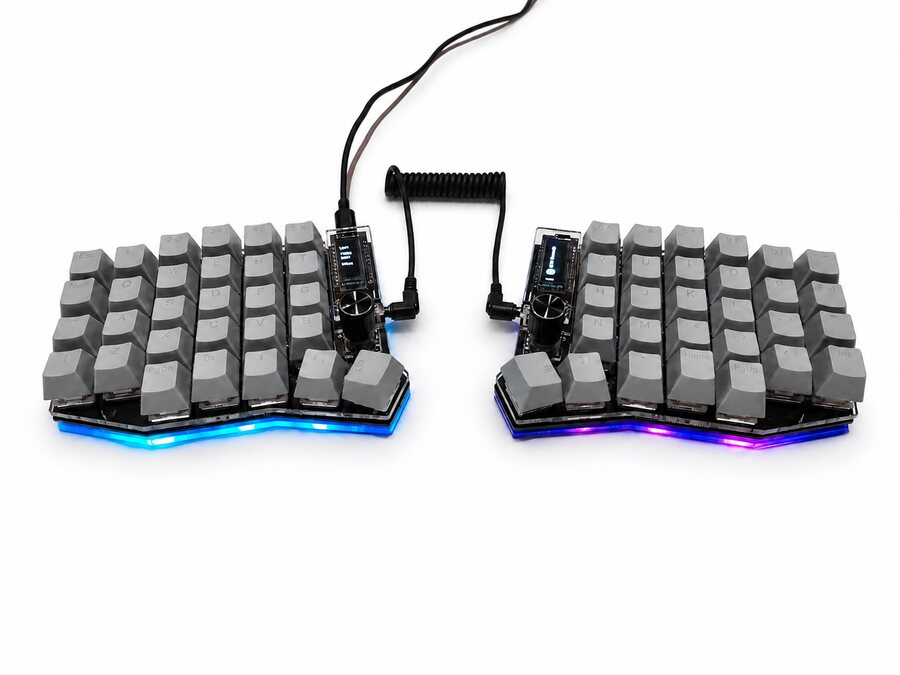
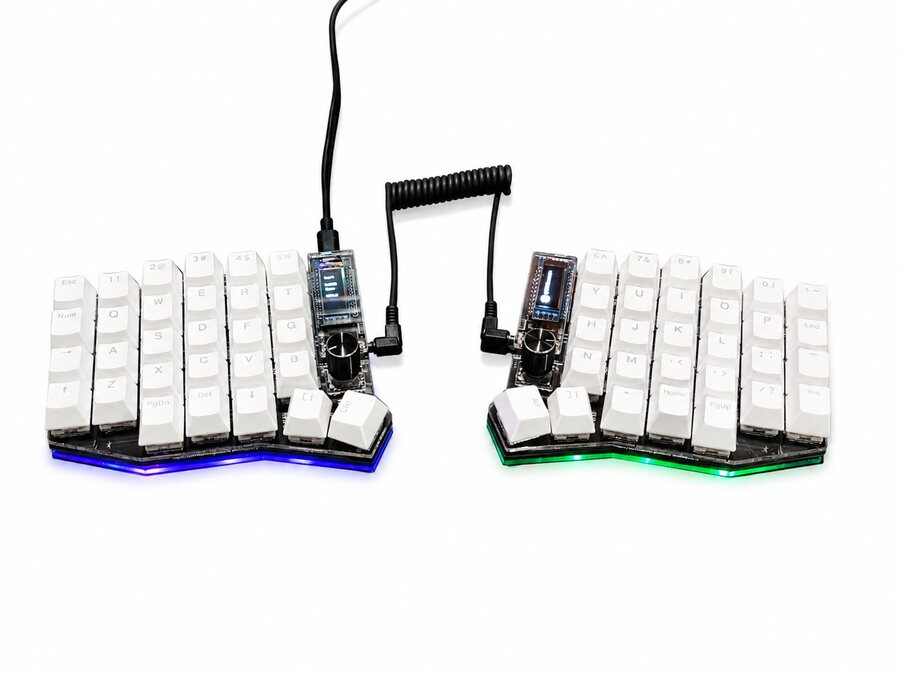
- A keyboard divided into two independent halves, joined by a cable.
- Columnar
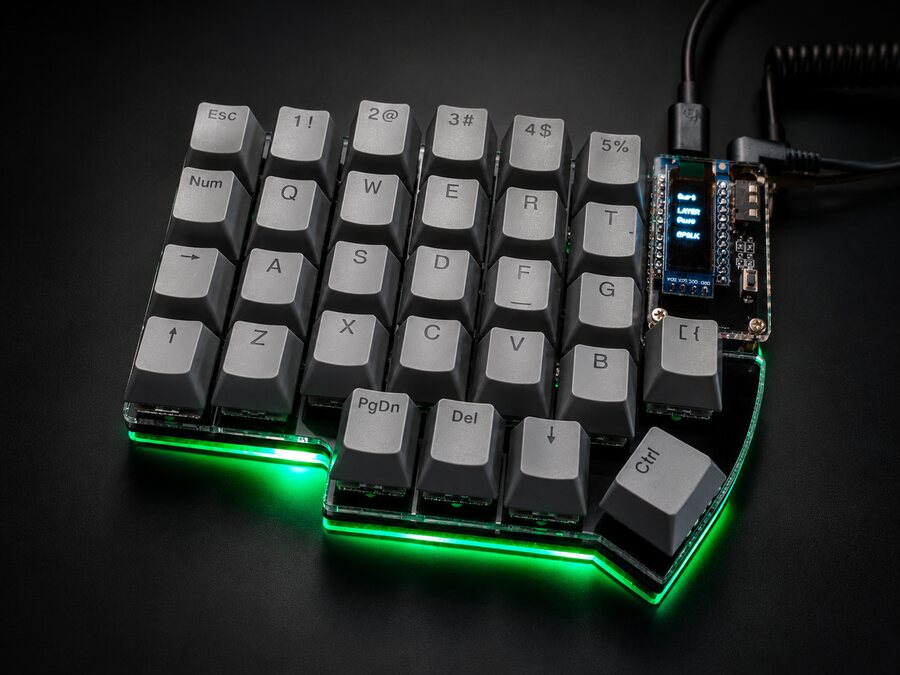
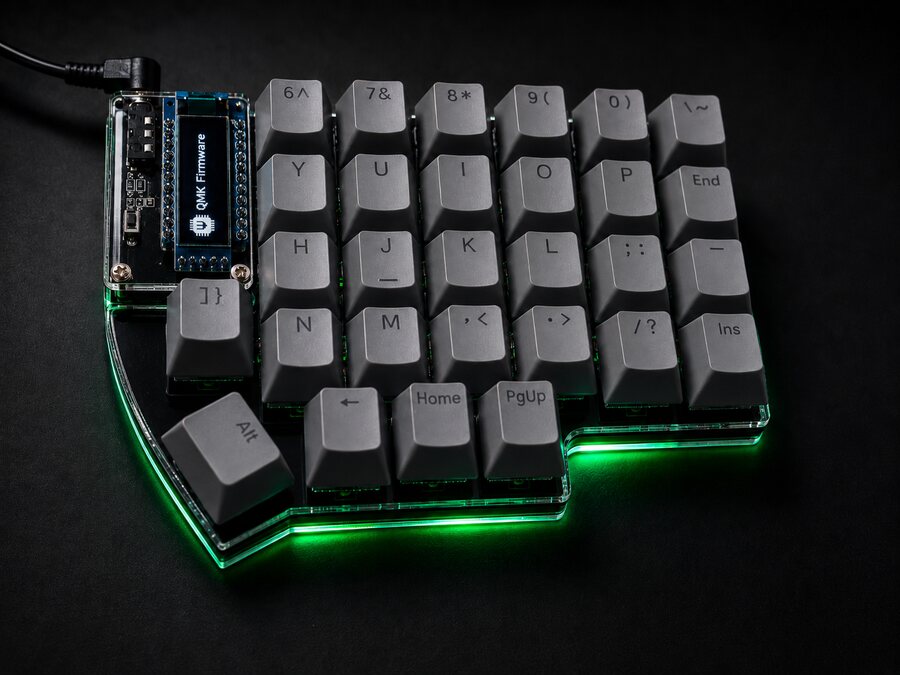
- Keys in straight columns, shifted up or down to match each finger's length, instead of rows shifted sideways.
- Layer
- An alternate set of functions for the same keys. It's active while you hold a layer key.
- Lower and Raise
- The layer keys under your thumbs. On the Corne, pressing both together takes you to a third layer, Adjust.
- Transparent
- A key that does nothing of its own on a layer and lets through what it does on the layer below.
- Hot-swap
- Sockets that hold the switches without solder. Pull one with the puller and fit another.
- Switch
- The mechanism under each key. Red and Black are linear (Black is firmer), Brown has a bump you can feel and Blue clicks.
- Keycap
- The key you touch. They're MX mount, the most common kind, so there are plenty to choose from.
- OLED
- The small screen on each half. Among other things, it shows which layer you're on.
- Knob
- A control that turns and can also be pressed. The Sofle's come set to volume and pages.
- TRRS
- The 3.5 mm cable that joins the halves. Plug and unplug it only with USB disconnected.
- Pro Micro
- The controller in each half: the tiny computer that reads the keys.
- Underglow
- The RGB light under the case. The Corne adds light under every key.
- Reset
- A button on each half used to load firmware. You won't touch it in everyday use.
- VIA
- The app to change keys, layers, macros and lighting without programming. It runs in your browser.
- QMK
- The open-source firmware running inside the keyboard. VIA works on top of it.
- ZMK
- Another open-source firmware, made for wireless keyboards. It's the one behind our wireless line, which we're working on.